

Description
Download Elisa Media Center – Media Center, Multimedia, Remote Control, File Navigation
Overview
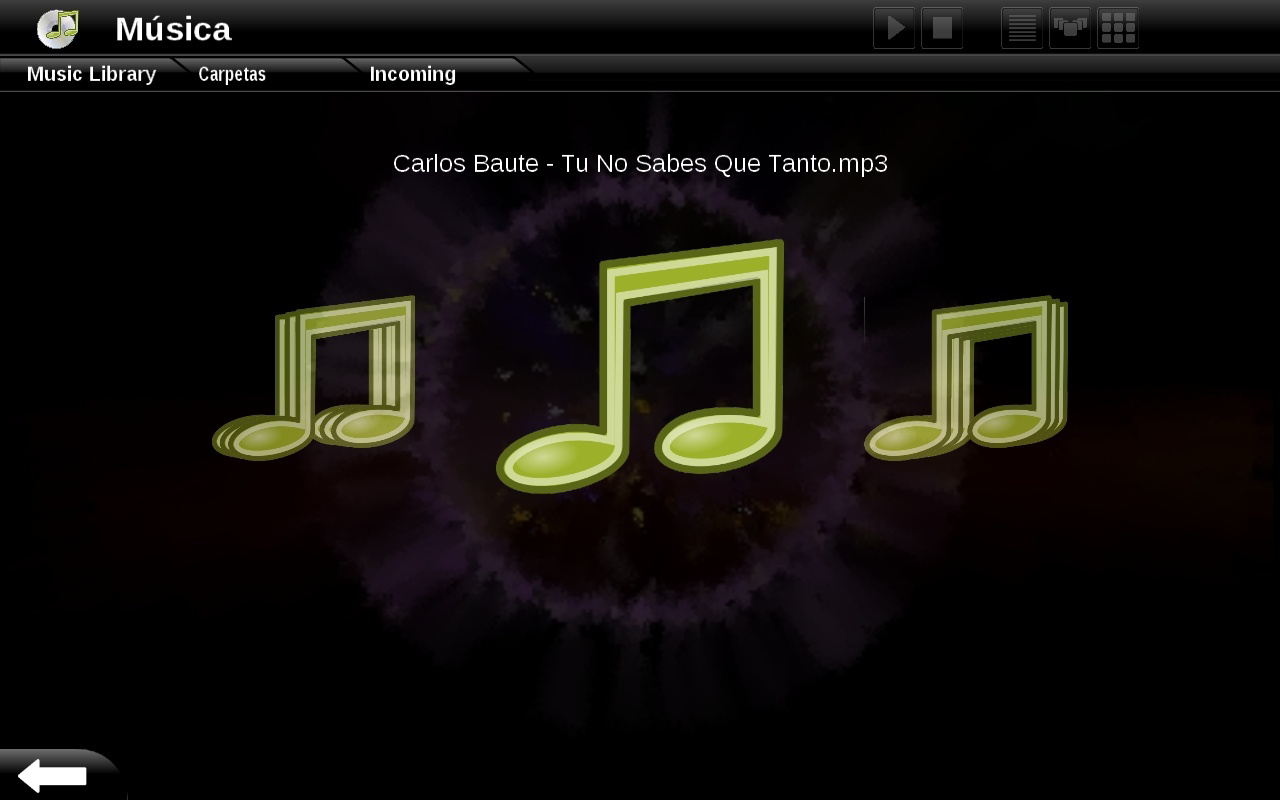
Elisa Media Center is a multimedia management tool designed for users seeking a seamless and visually engaging way to access and organize their digital content. Originally released in 2009, it functions as a media center application that brings together local media files—such as photos, music, and videos—with online content from platforms like YouTube, Flickr, Shoutcast, and YesFM. The app is tailored for individuals who want a centralized hub for their multimedia library, particularly those using Windows or Linux operating systems. Its interface draws inspiration from Apple FrontRow, offering a sleek, intuitive layout that prioritizes ease of use and visual appeal.
Elisa Media Center addresses the common challenge of fragmented media access by consolidating various content sources into a single, navigable environment. Users no longer need to switch between multiple applications or web browsers to view their favorite videos, listen to music, or browse photo collections. This unified approach enhances productivity and enjoyment, especially in home entertainment setups. The app is particularly suited for home users, media enthusiasts, and individuals managing large multimedia libraries on desktop systems.
Although the developer did not provide additional background information, Elisa Media Center has maintained relevance in niche communities due to its elegant design and functional capabilities. Its ability to integrate both local and online content makes it a valuable tool within the broader media center ecosystem. Despite its age, it continues to serve as a reference point for modern media center applications that emphasize usability and visual design.
Key Features & Functionality
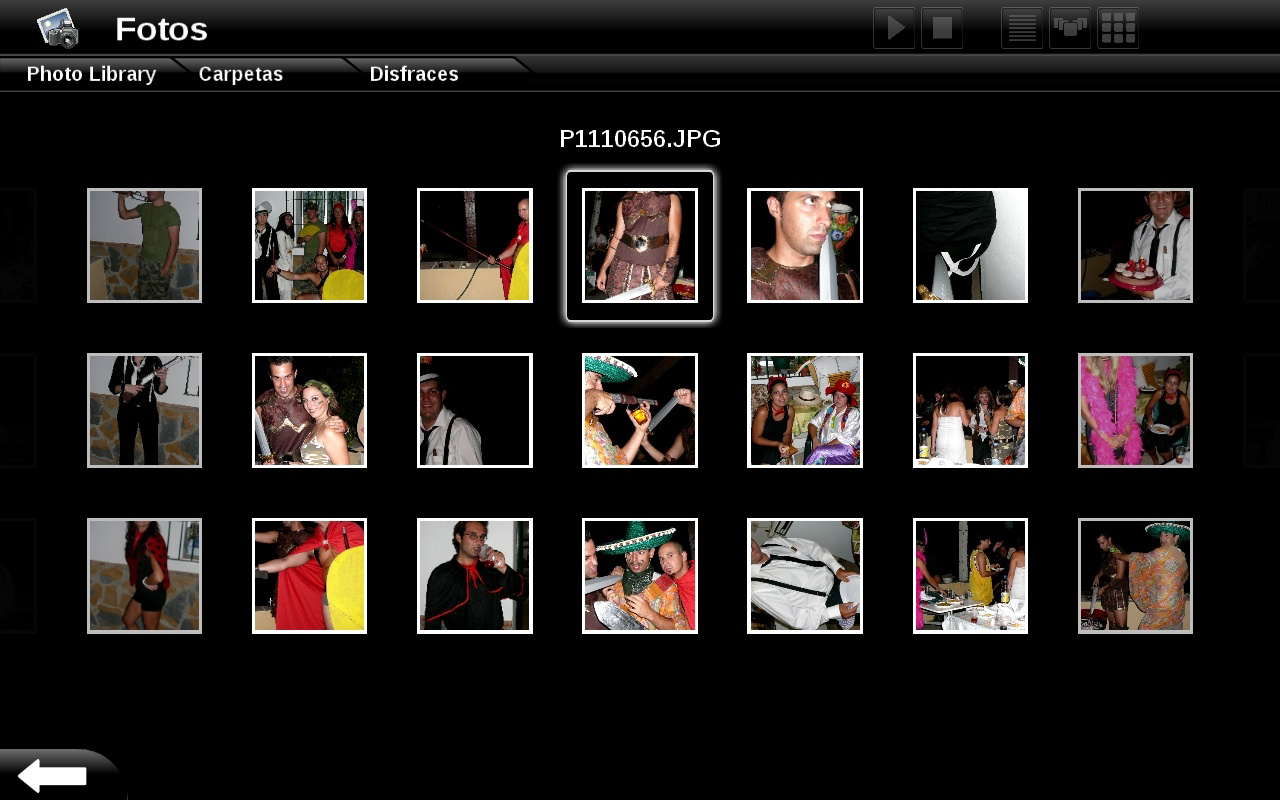
- Beautiful Interface: Elisa Media Center features a modern, clean design reminiscent of Apple FrontRow, offering a visually immersive experience. The interface prioritizes content over clutter, allowing users to focus on media exploration without distraction.
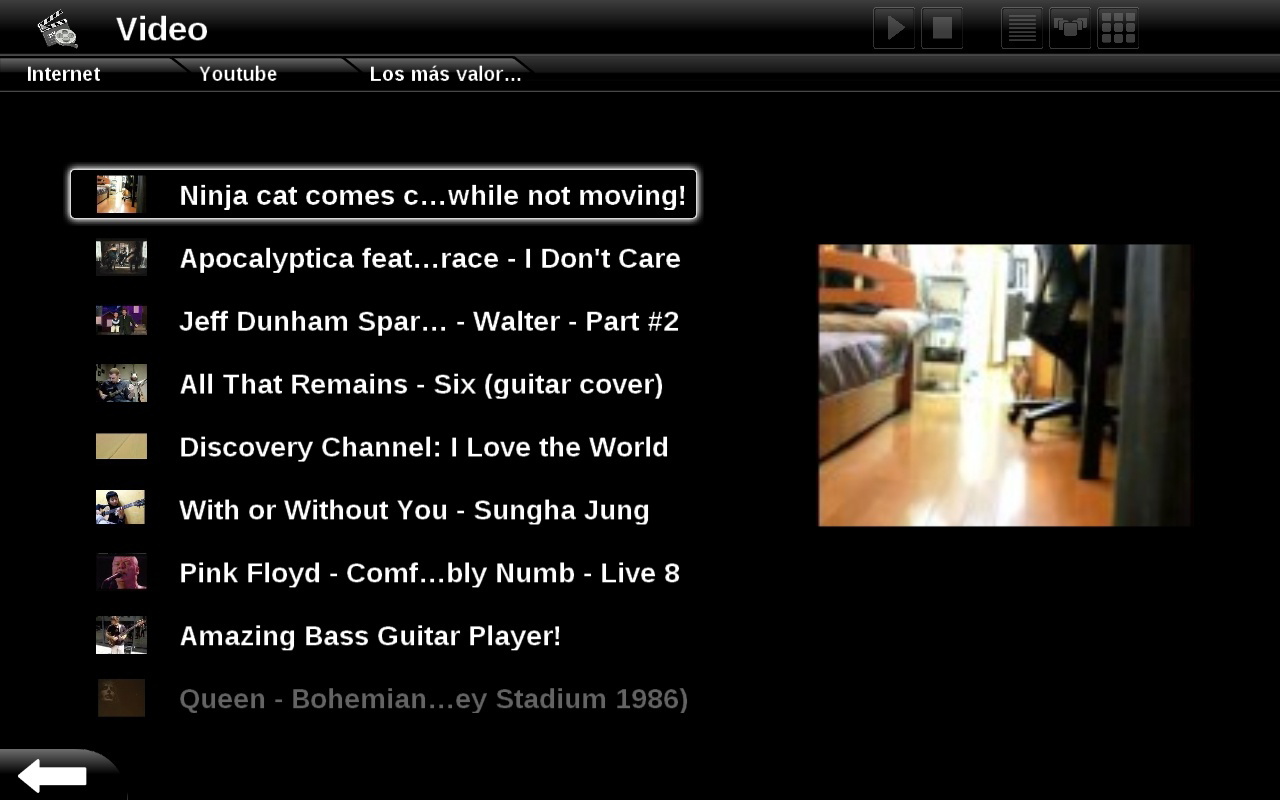
- Comprehensive Multimedia Access: Users can browse and play local media files while also accessing streaming content from YouTube, Flickr, Shoutcast, and YesFM. This dual functionality bridges the gap between personal media libraries and online content discovery.
- Intuitive File Navigation: The app includes a well-organized file tree that enables users to navigate through folders and media files with ease. This structured layout ensures quick access to desired content, even within large libraries.
- Remote Control Compatibility: Elisa Media Center supports a range of remote controllers, including the Apple Remote. This feature allows users to control playback and navigation from a distance, making it ideal for living room setups and media presentations.
For example, a user can start a movie night by launching Elisa Media Center from their couch using a remote, browsing their local video library, and seamlessly switching to a YouTube playlist without changing devices. Similarly, a family might use the app to display shared photo albums on a large screen during gatherings, enhancing shared experiences through intuitive navigation.
Interface, UX & Performance
The interface of Elisa Media Center is designed with usability and aesthetics in mind. Its layout emphasizes visual content, using large thumbnails and clear categorization to guide users through their media. Navigation is structured around a central menu that allows quick access to music, videos, photos, and online services. The app maintains a consistent visual language throughout, ensuring a cohesive user experience.
Although the developer did not list formal performance metrics, the application is known for its smooth responsiveness within its target environments. Users report stable performance during media playback and navigation, particularly on systems with adequate hardware resources. The app’s design minimizes lag and maintains fluid transitions between sections, contributing to an enjoyable experience.
Compatibility with remote controls enhances the overall UX, especially in non-desktop settings. The app’s ability to respond to input from external devices suggests a well-integrated control system. However, specific requirements for device categories or performance benchmarks were not disclosed. Users are advised to ensure their system meets the base requirements for running the application effectively.
Platform Compatibility & Technical Requirements
Elisa Media Center is available for Windows and Linux operating systems. The exact version requirements were not specified by the developer. The file size of the application is not publicly disclosed. While the app was originally released in 2009, it remains functional on modern systems with appropriate compatibility layers or updated dependencies.
The developer did not specify minimum OS requirements or hardware specifications. As such, users should verify compatibility with their current system setup. Although the app is not available on mobile platforms such as Android or iOS, its desktop-focused design makes it ideal for use on home computers and media centers.
Pros and Cons
Pros
- Visually appealing interface inspired by Apple FrontRow
- Integrated access to both local media and online platforms
- Intuitive file navigation with a clear folder structure
- Support for external remote controls, ideal for home entertainment
- Stable performance in desktop environments
Cons
- No official mobile version for Android or iOS
- Limited technical details on system requirements
- Development appears inactive since 2009
- No official update or security patch history provided
- File size and version specifics not disclosed
FAQ
Is Elisa Media Center available for mobile devices?
Elisa Media Center is designed for desktop use on Windows and Linux systems. There is no official mobile version available for Android or iOS.
Can I use Elisa Media Center with a remote control?
Yes, the app supports various remote controllers, including the Apple Remote, enabling convenient navigation from a distance.
What online platforms does Elisa Media Center support?
Elisa Media Center integrates with platforms such as YouTube, Flickr, Shoutcast, and YesFM for online content access.
Is Elisa Media Center still being updated?
The last known release was in 2009. The developer has not issued any recent updates or announcements regarding future development.
Is Elisa Media Center secure to install?
While the app is available through community channels, users should ensure they download from trusted sources to maintain security and avoid potential risks.
Final Thoughts + CTA
Elisa Media Center remains a noteworthy example of a well-designed media center application that balances aesthetics with functionality. Its elegant interface, intuitive navigation, and remote control support make it a compelling choice for users who value a unified media experience on desktop systems. While the app’s development has not been active since 2009, its core features continue to serve users in niche environments, particularly those managing multimedia libraries on Windows or Linux.
For individuals seeking a simple, visually pleasing way to access both local and online content without the complexity of modern streaming platforms, Elisa Media Center offers a unique value proposition. It’s especially beneficial for home entertainment setups where ease of use and remote accessibility are priorities.
Despite its age and lack of updates, the app’s enduring design and functionality demonstrate the lasting impact of thoughtful user experience. Download Elisa Media Center now to experience a classic media center solution that still holds up in the right context.
Guides & Tutorials for Elisa Media Center
How to install Elisa Media Center
- Click the Preview / Download button above.
- Once redirected, accept the terms and click Install.
- Wait for the Elisa Media Center download to finish on your device.
How to use Elisa Media Center
This software is primarily used for its core features described above. Open the app after installation to explore its capabilities.
User Reviews for Elisa Media Center 0
No reviews found


